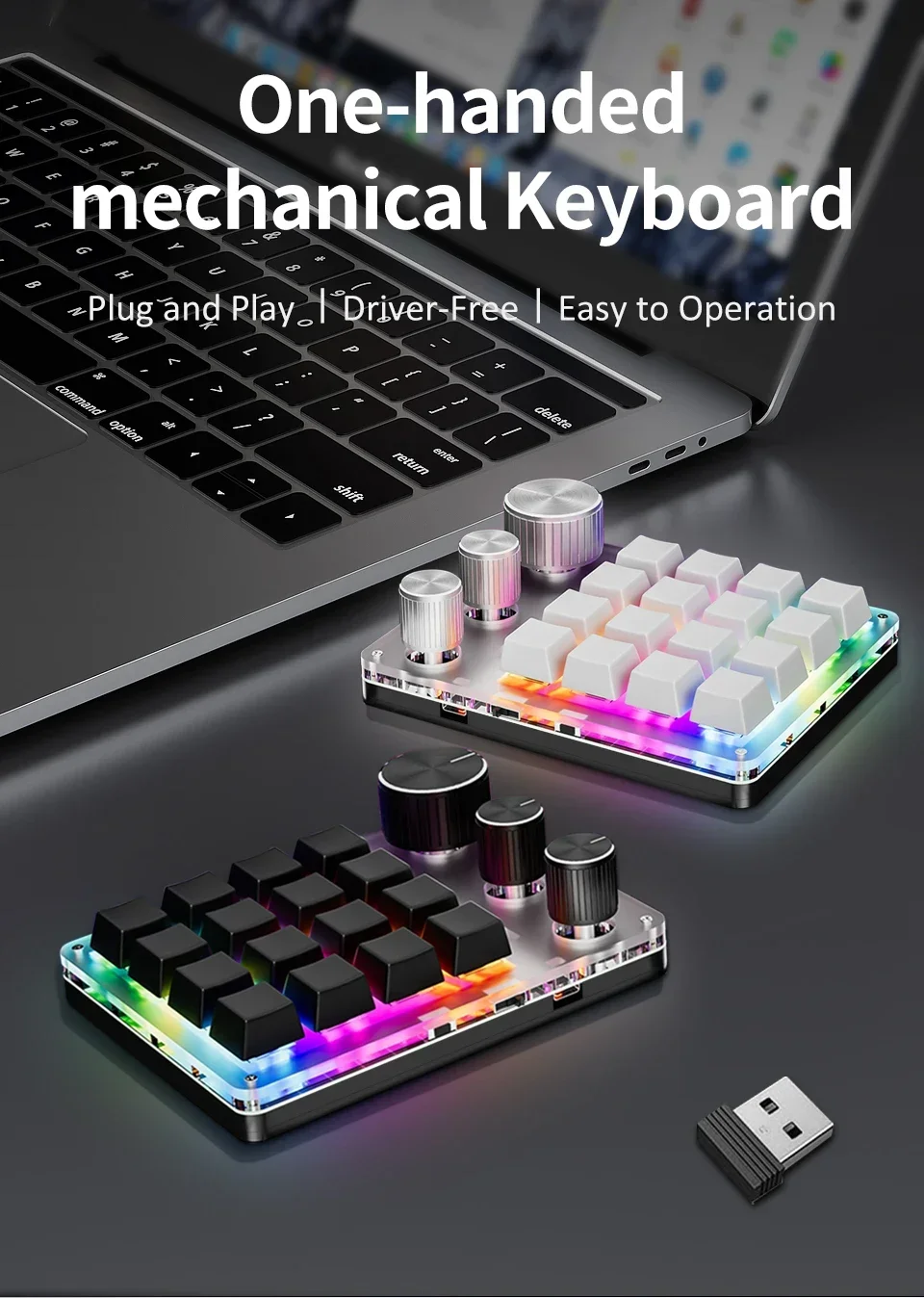
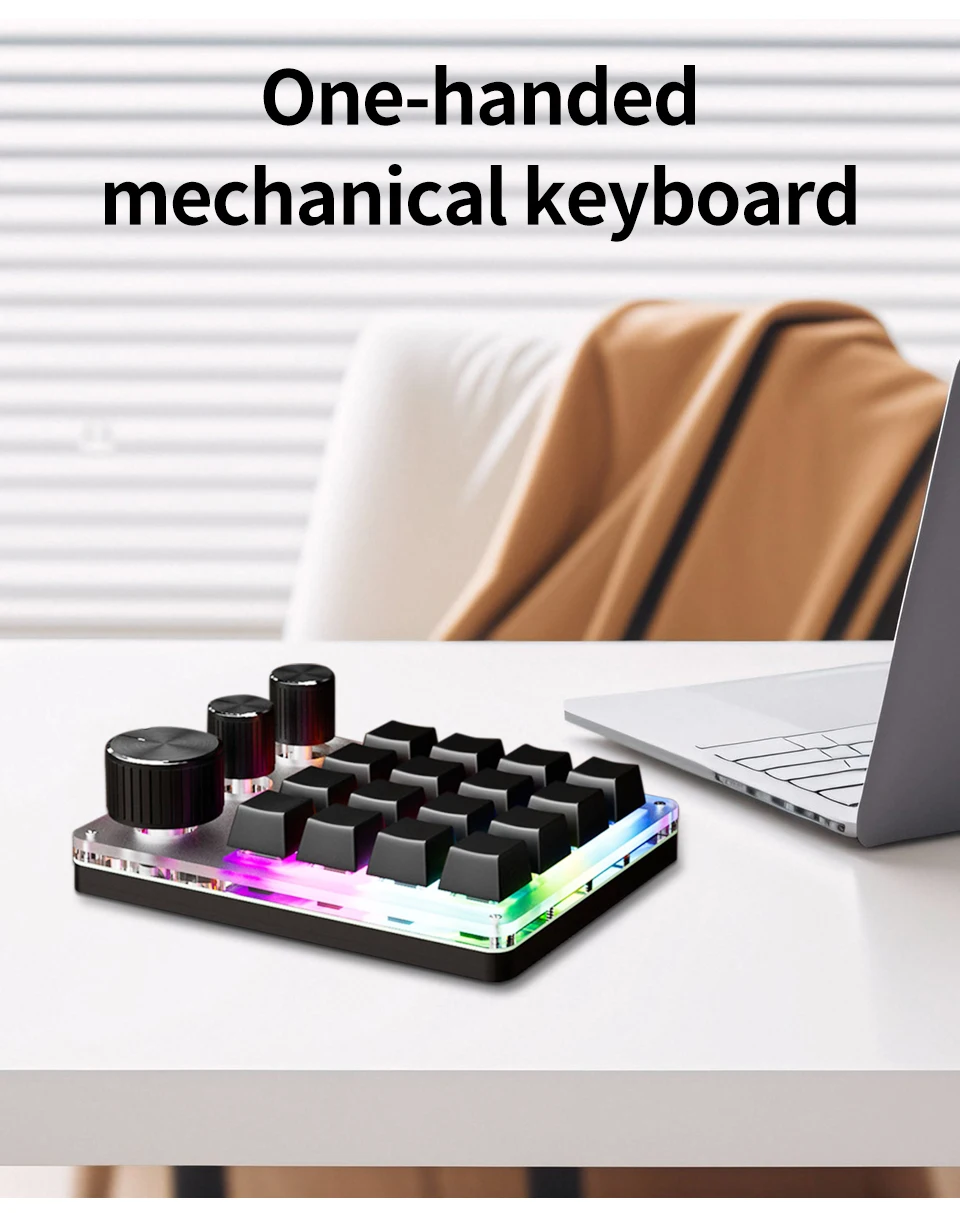
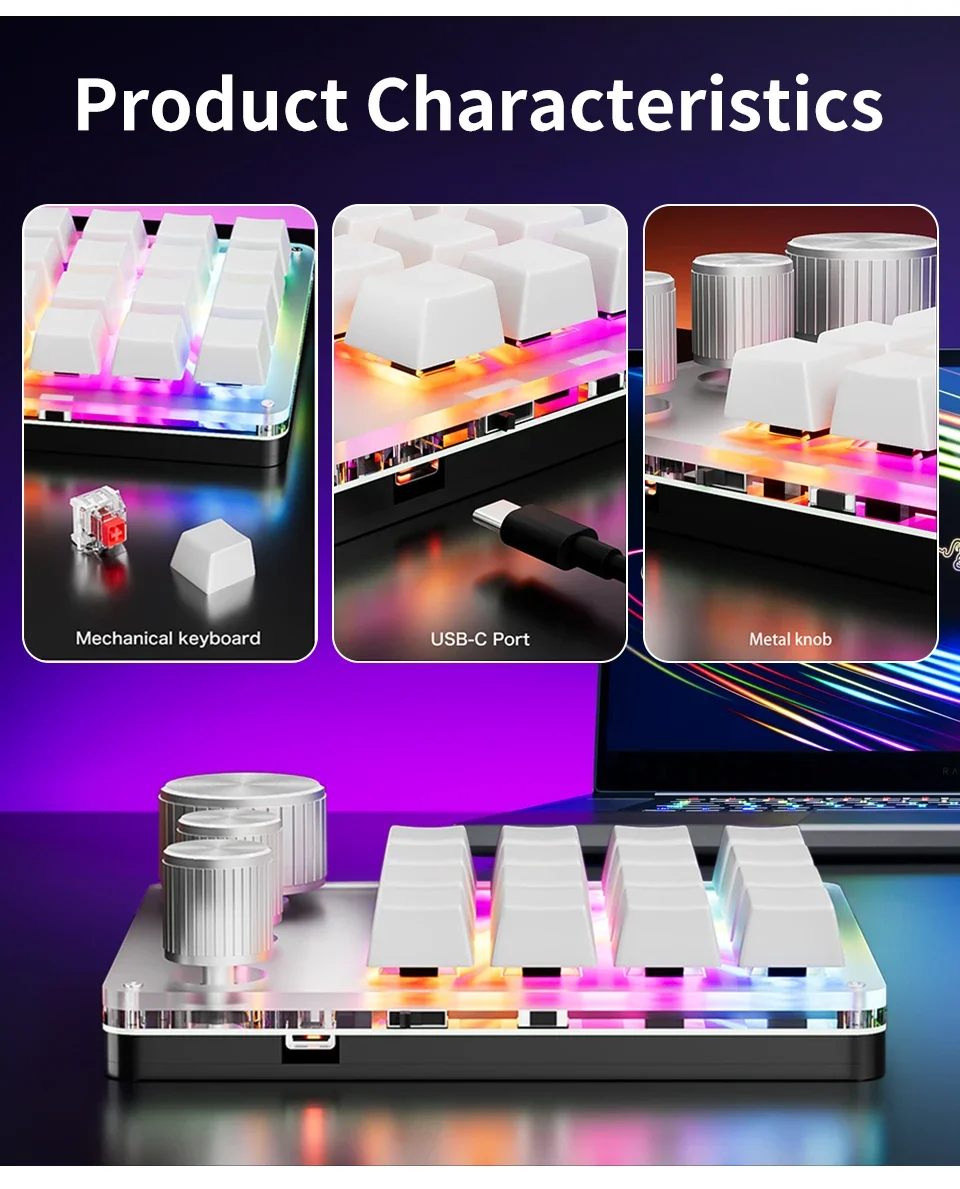
16-Key Custom Mechanical Keyboard 3 Knobs Including Volume Button Knob Control Programmable Macro Gaming Compatible


16-Key Custom Mechanical Keyboard 3 Knobs Including Volume Button Knob Control Programmable Macro Gaming Compatible
16-Key Custom Mechanical Keyboard 3 Knobs Including Volume Button Knob Control Programmable Macro Gaming Compatible
SPECIFICATIONS
Application: Desktop,Laptop,Tablet
Backlight Type: MULTICOLOR
Battery Included: Yes
Brand Name: GGBEE
Choice: yes
Full Size keyboard: No
High-concerned chemical: None
Interface Type: USB,USB
Keyboard Standard: Mini Keyboard
Keycup material: Abs plastic
Language: English
Operation Style: Mechanical
Origin: Mainland China
Package: Yes
Style: Standard
Switches Hot swap: Yes
Type: Wired
Wrist Support: No
feature:
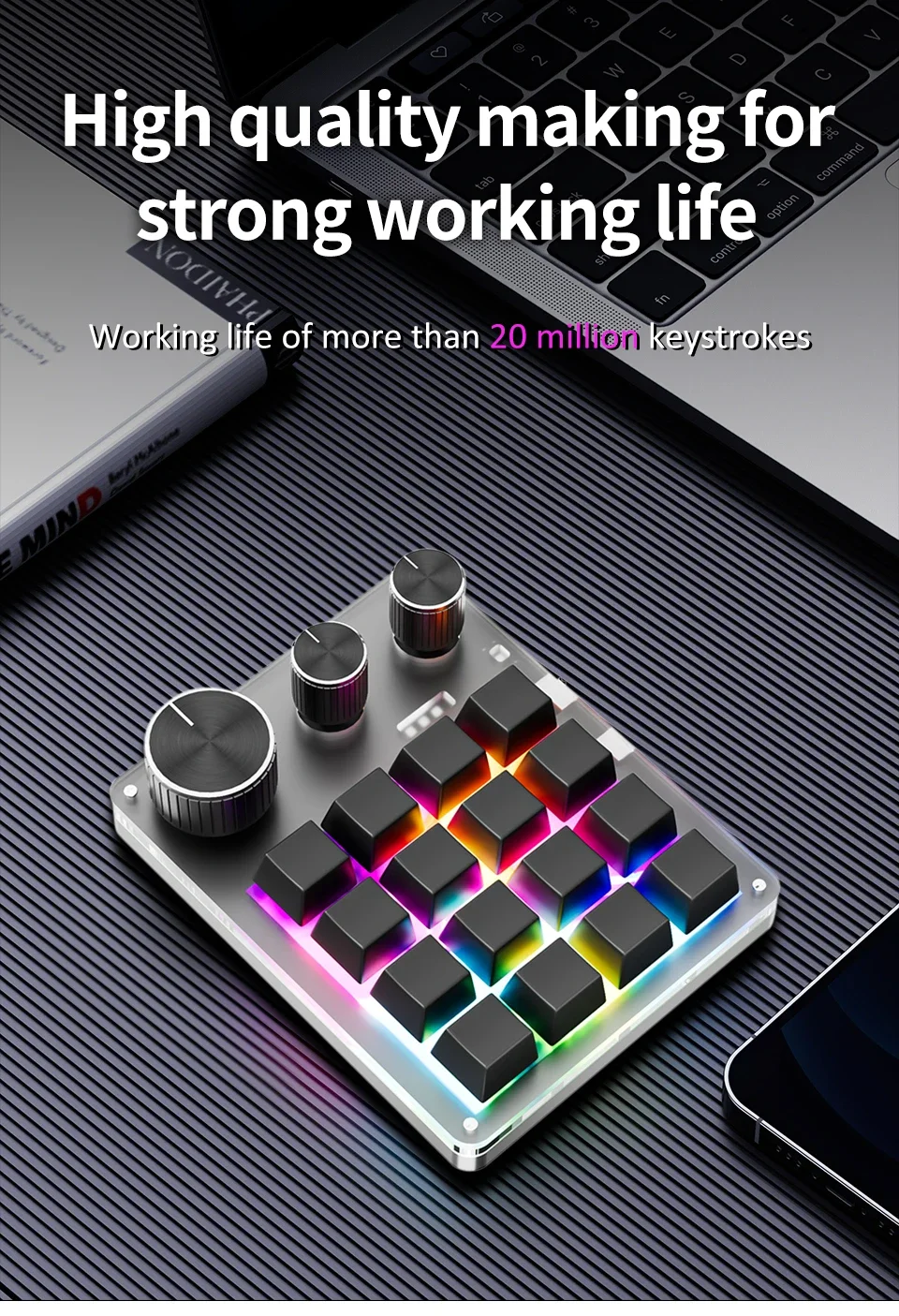
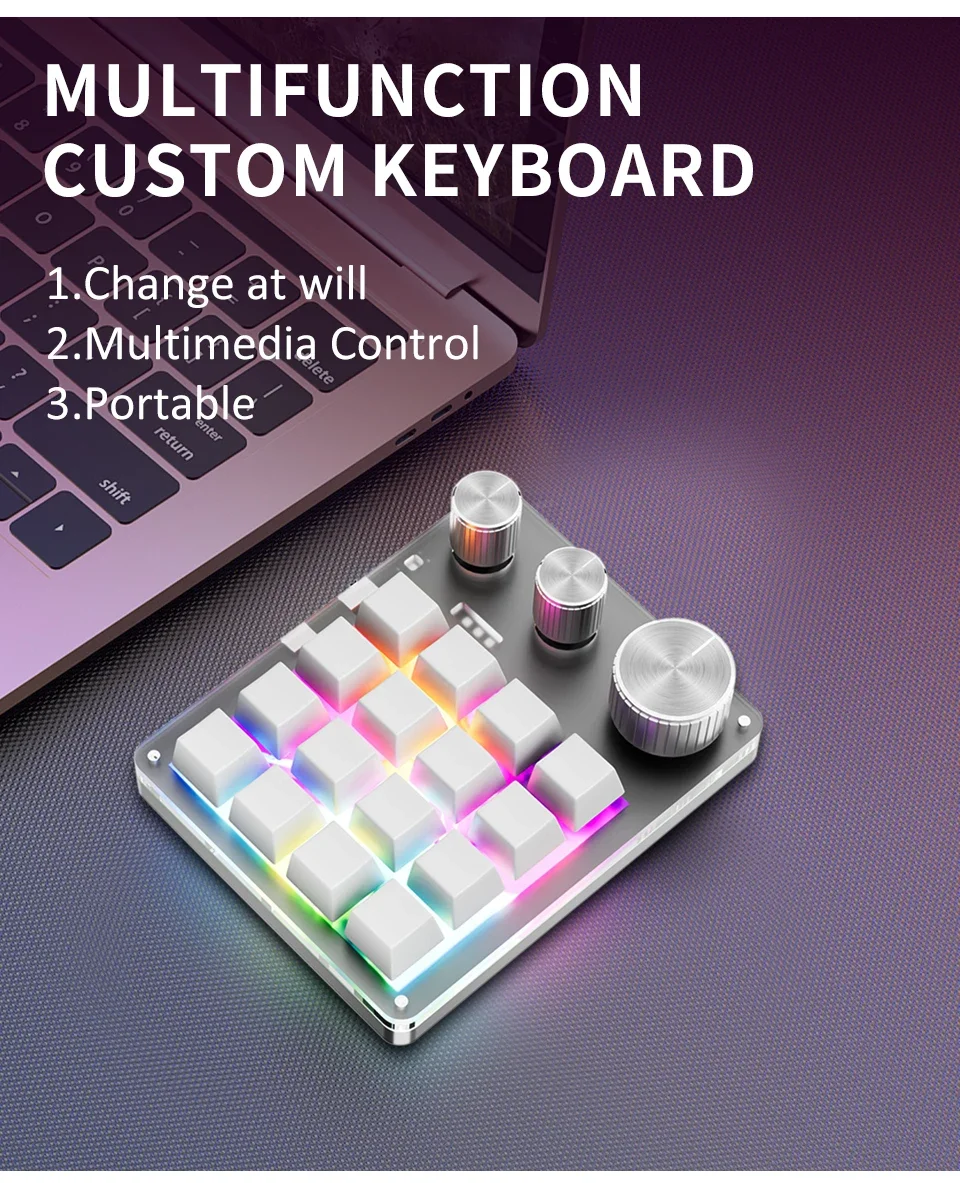
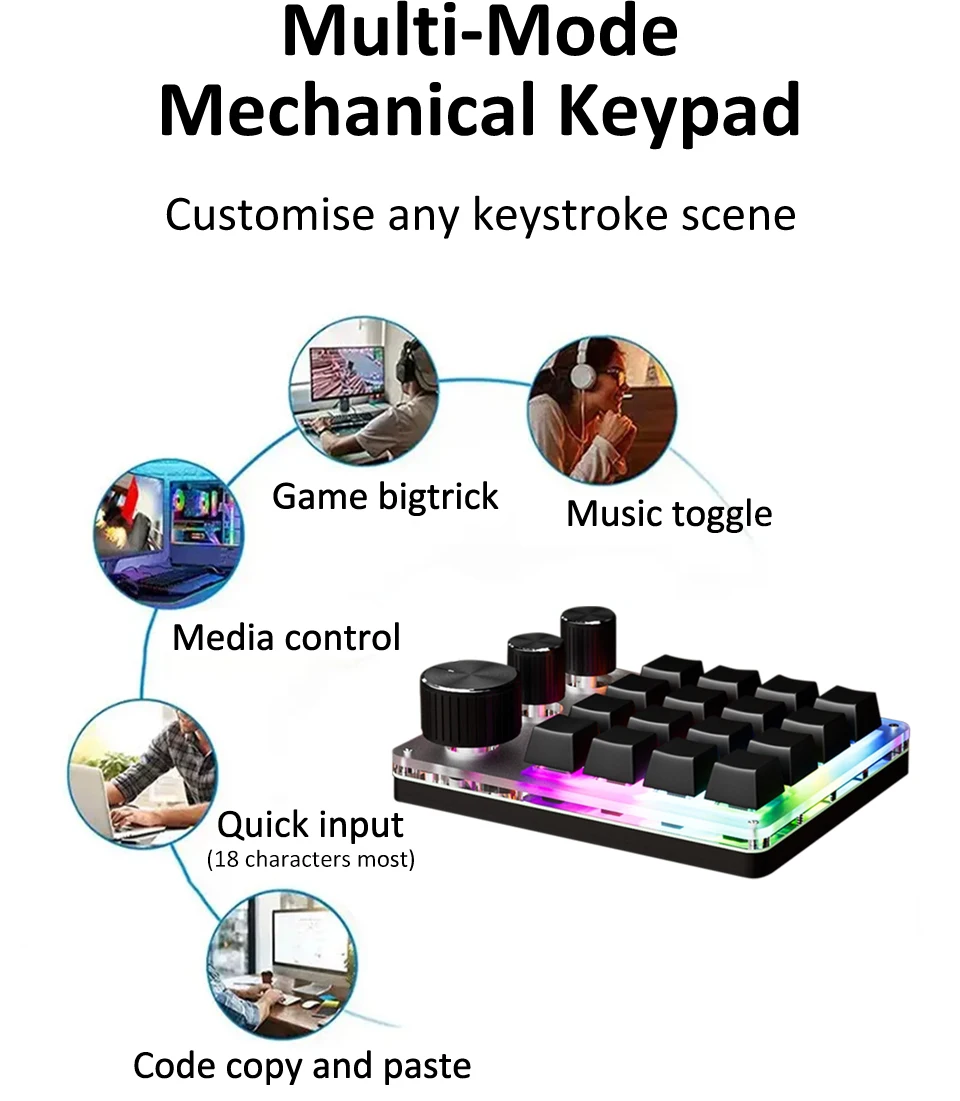
1. A total of 16 keys and 3 knobs; the functions of each button and knob can be customized by pressing the clockwise or counterclockwise knob;
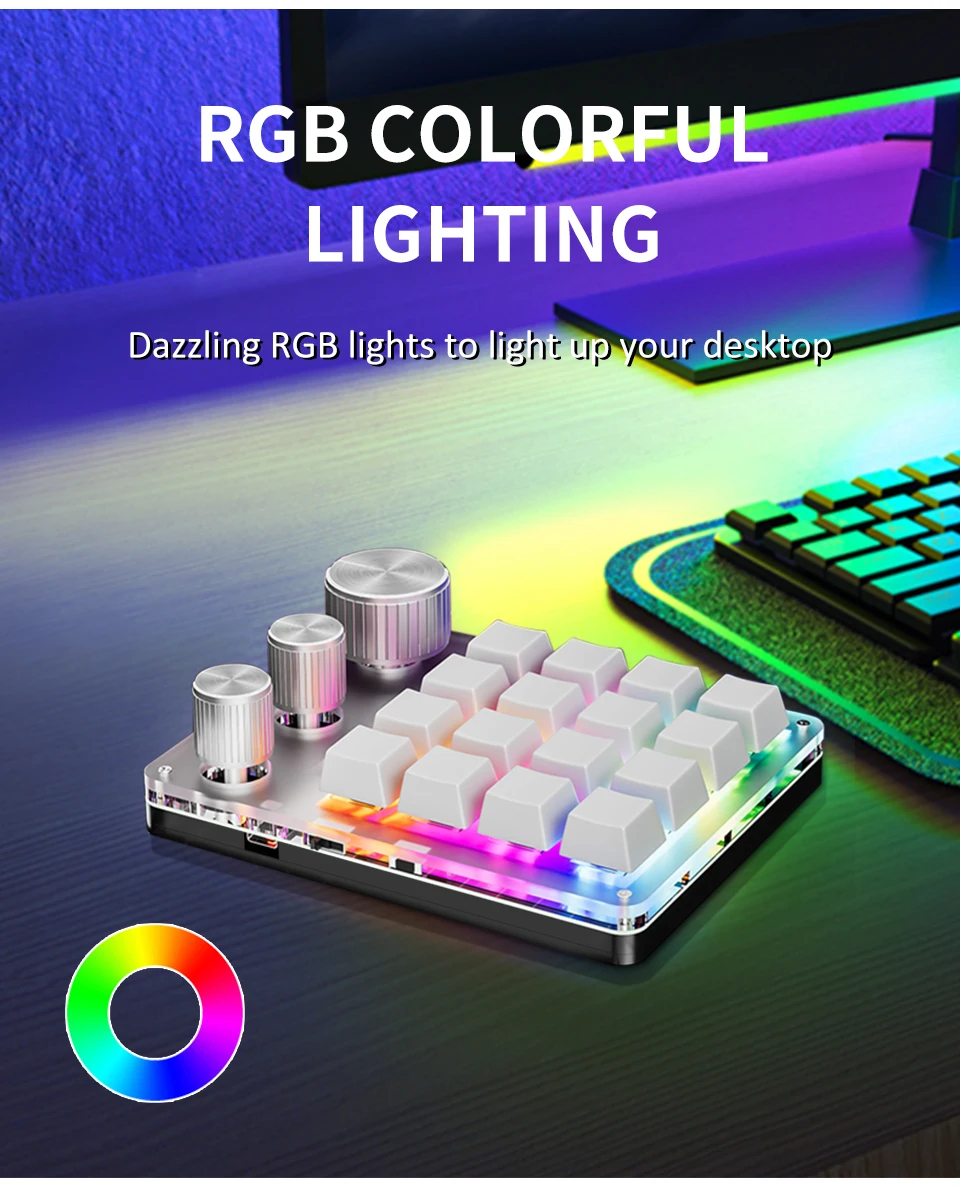
2. Various LED light effect settings;RGB backlight, only lights up when wired connection is available.
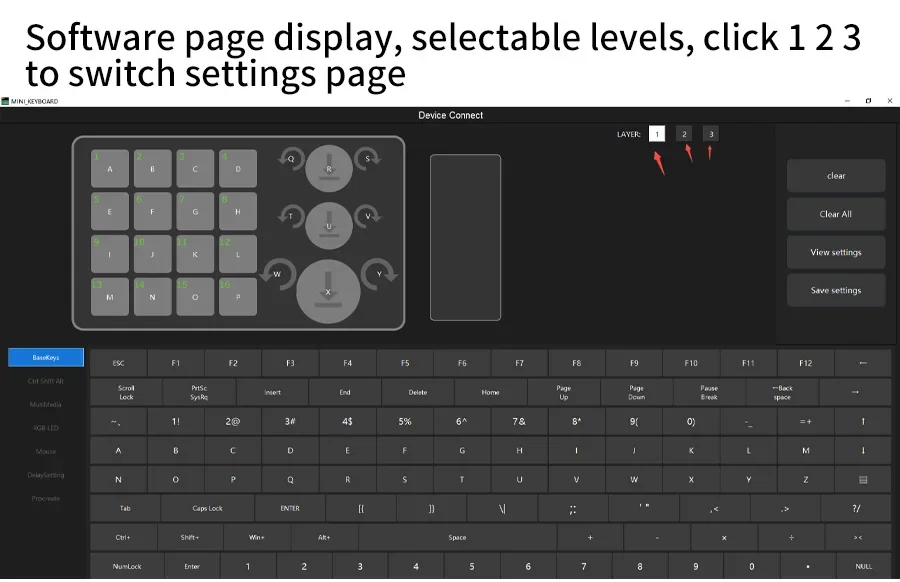
3. Divided into three layers (LED indication), it can meet different usage needs, avoid multiple settings, improve work efficiency, and enhance entertainment and leisure experience;
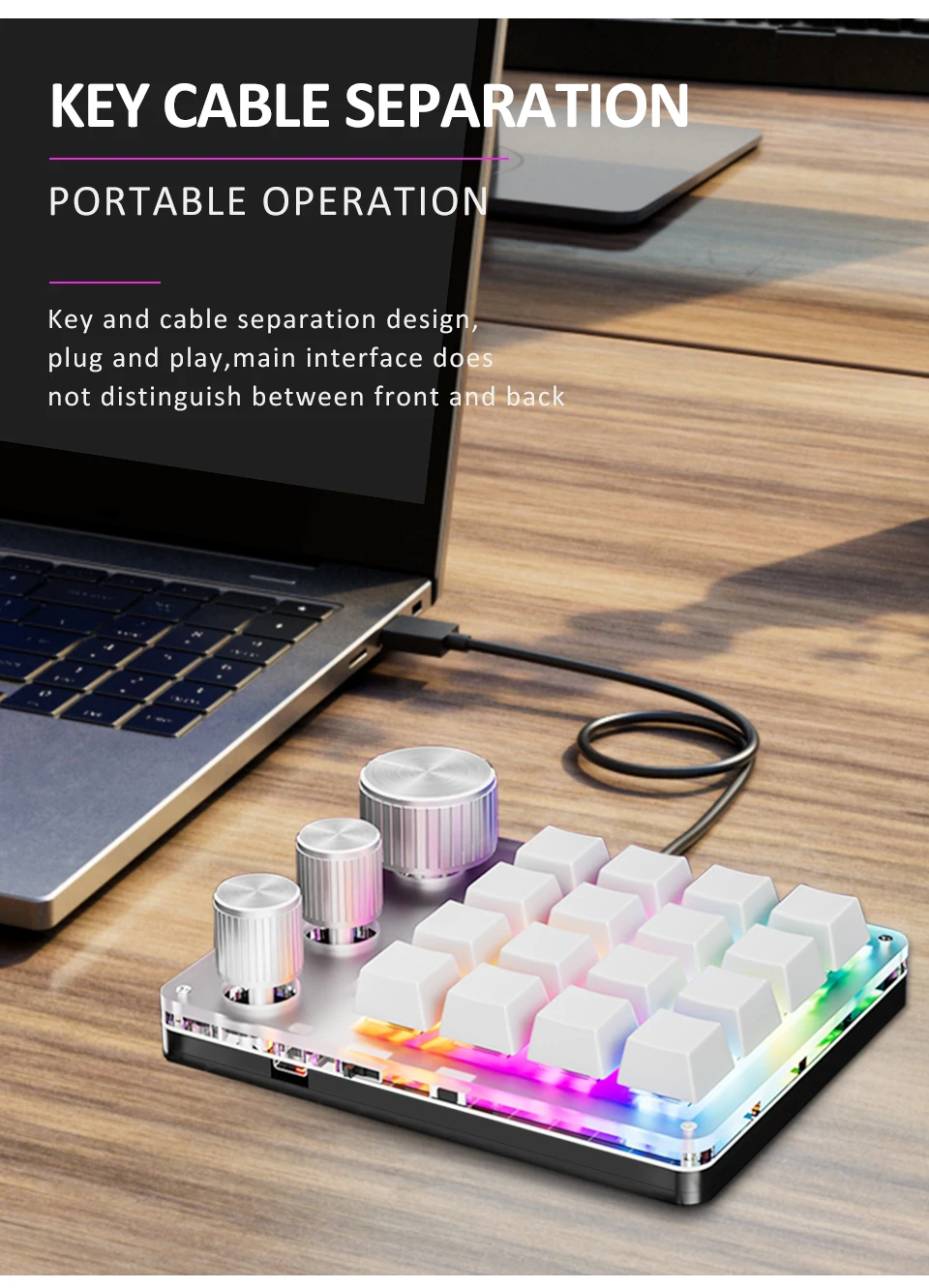
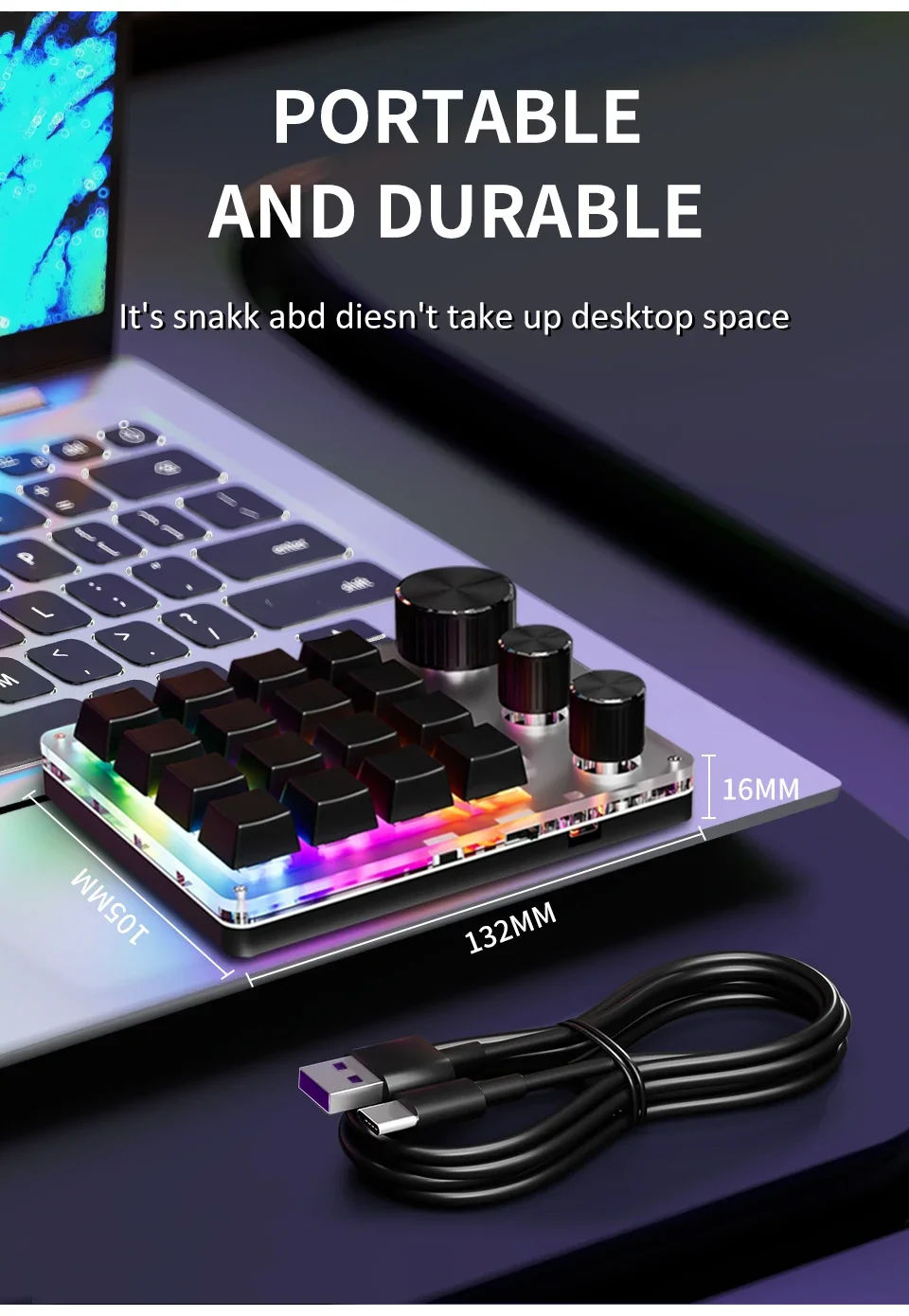
4. It has an ultra-thin design and is equipped with a silicone anti-slip pad at the bottom. It has a grand appearance and is easy and stable to use;
5. Set up on the WIN computer first, and then use it on other systems;you can set combination shortcut keys,could enter max 18 characters one key, the keyboard has It has a storage function.
6.if need to use bluetooth function,please first setup when wired, then connect via bluetooth,un-wired,software will show:disconnect but the keyboard will remember your setup,you can keep to use. In Bluetooth or 2.4G mode, keyboard will auto turn off the lights to work longer.
Wired Bluetooth Version Package includes
1*Keyboard
1*usb data cable
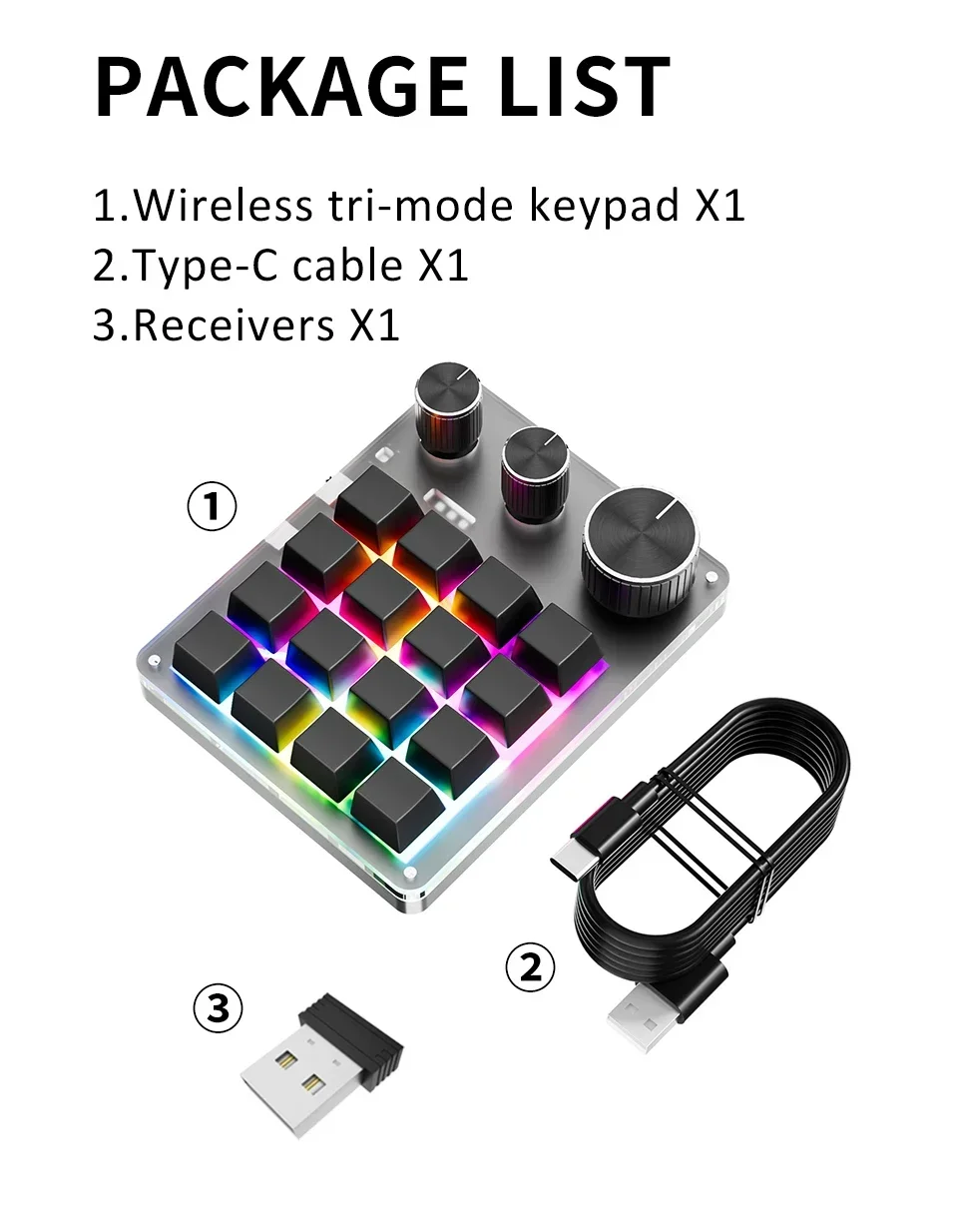
BT 2.4GConnect Version Package includes
1*Keyboard
1*usb data cable
1* USB 2.4G receiver
Scan the QR code to download. If it doesn't work, you can scan the backup QR code.
Alternatively, you can open the link below to download, both links are available.
http://szxiaozi.com/tool.zip
https://drive.google.com/file/d/1pRjmmu8pTPYcyYjo0LG1MlGlAR-u2yND/view?usp=sharing
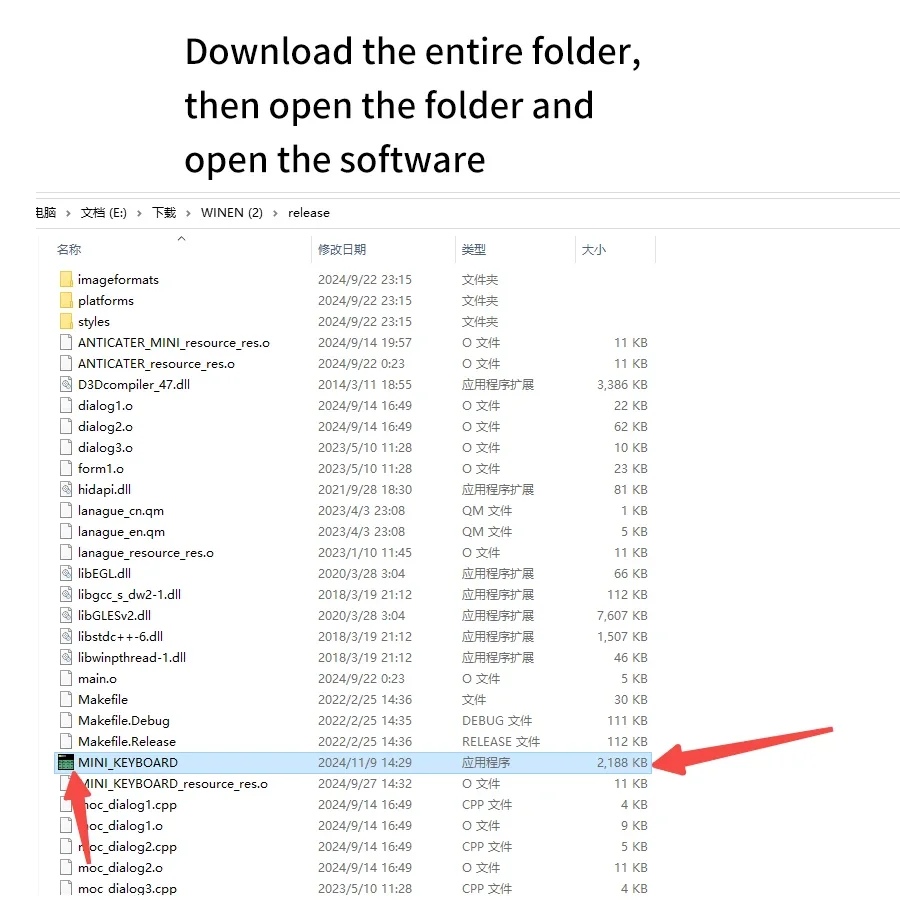
Download the entire folder, then open the folder and open the software
choose version according to your computer

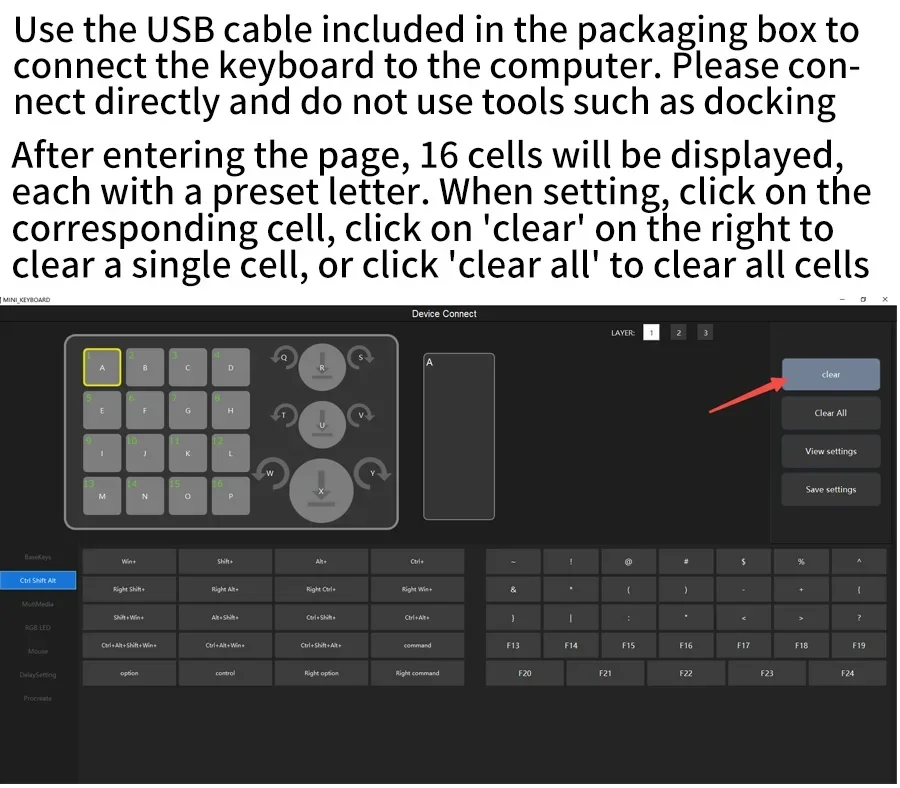
Connect the keyboard to the computer directly with the USB cable comes within the packaging box .Do not use tools such as docking station hub
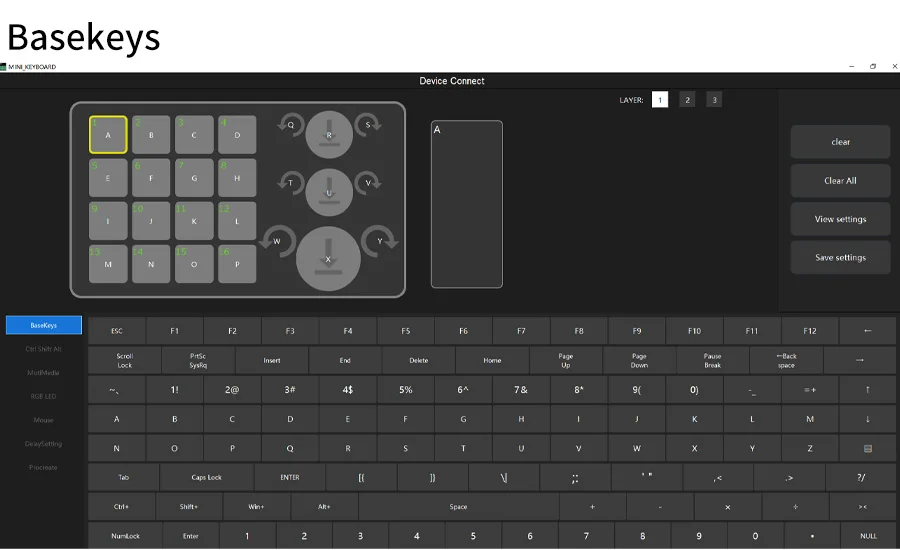
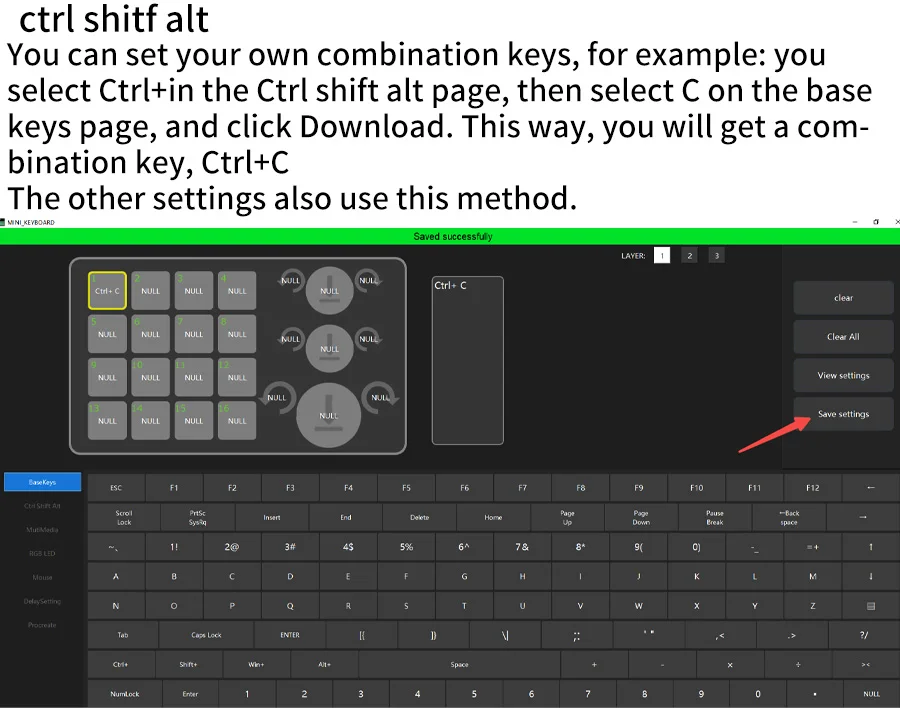
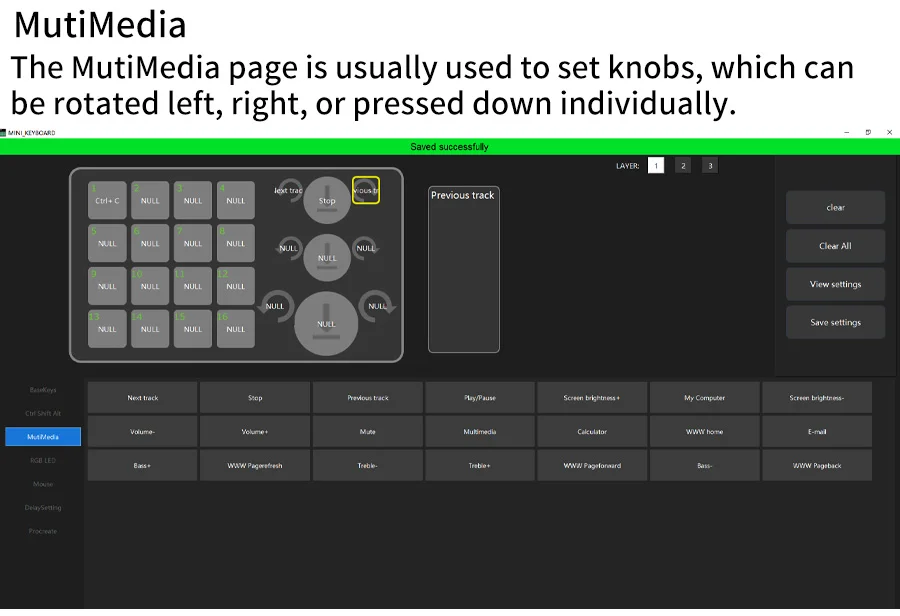
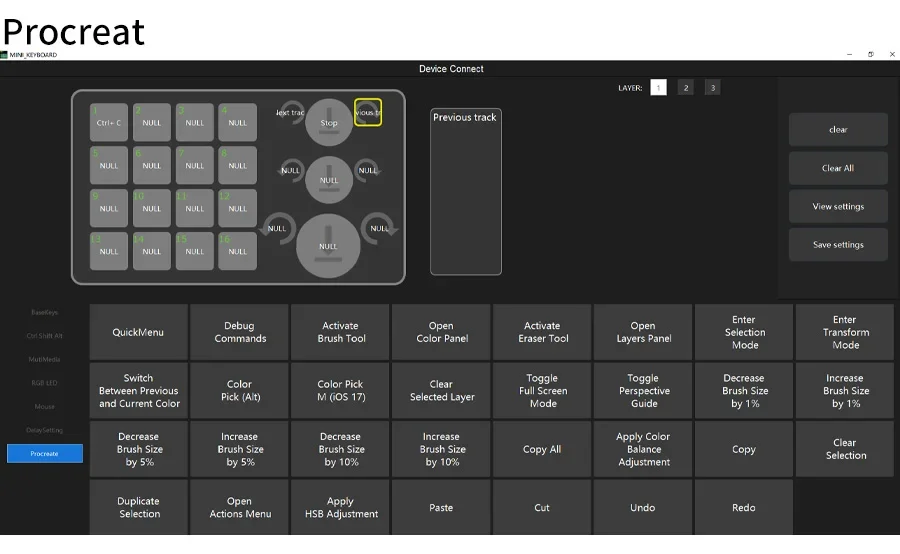
You can set your own combination keys,for example: you select Ctrl+in the Ctrl shift alt page,then select C on the base keys page,and click Download. This way, you will get a combinationkey,Ctrl+C.
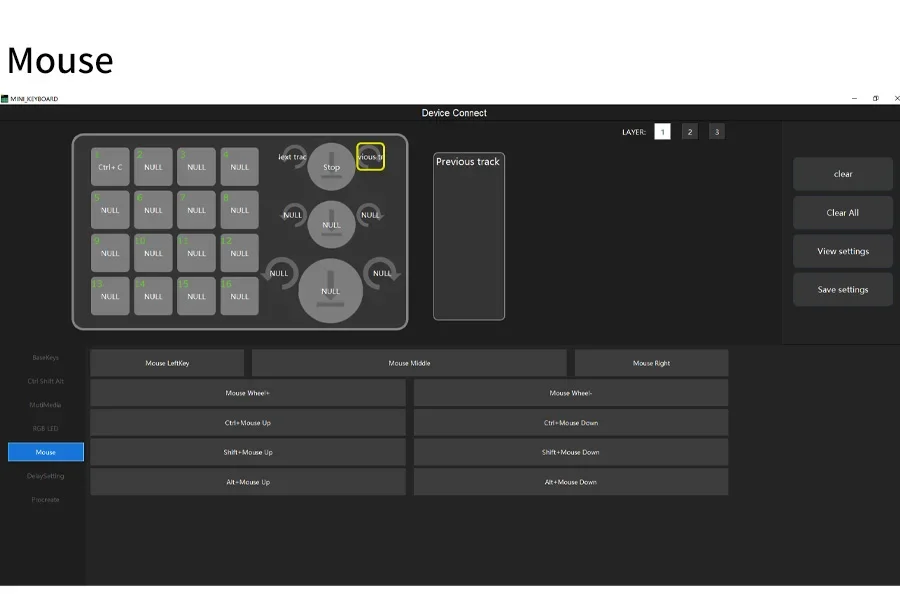
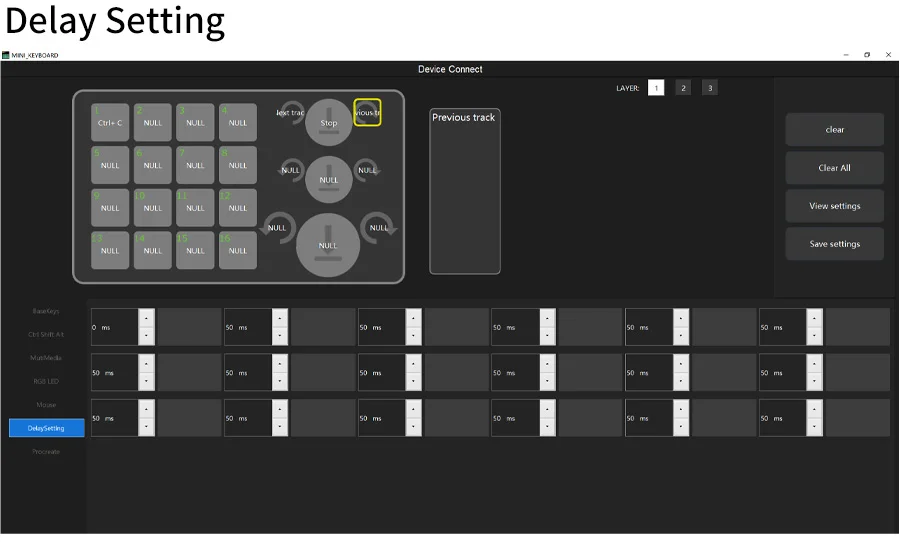
The other settings also use this method.
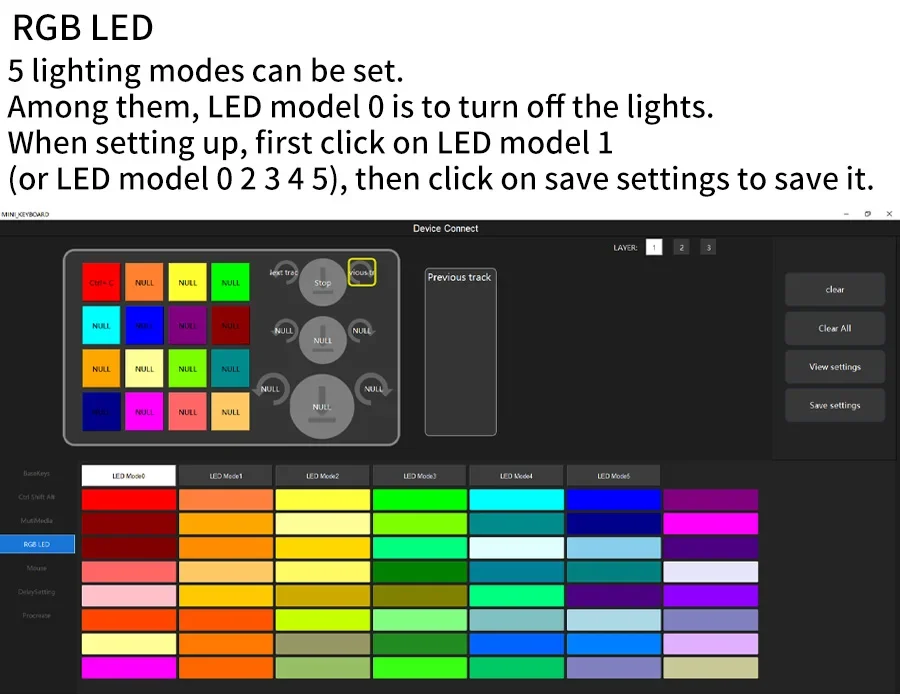
6 lighting modes can be set.
Among them, LED model 0 is to turn off the lights.
When setting up,first click on LED model 1
(or LED model 0 2 3 4 5), then click save settings to save it.The color square below is meaningless and will not affect the switching of RGB mode. It can be set without clicking. Just click on LED Mode 0-5 and then click save settings to switch between RGB modes
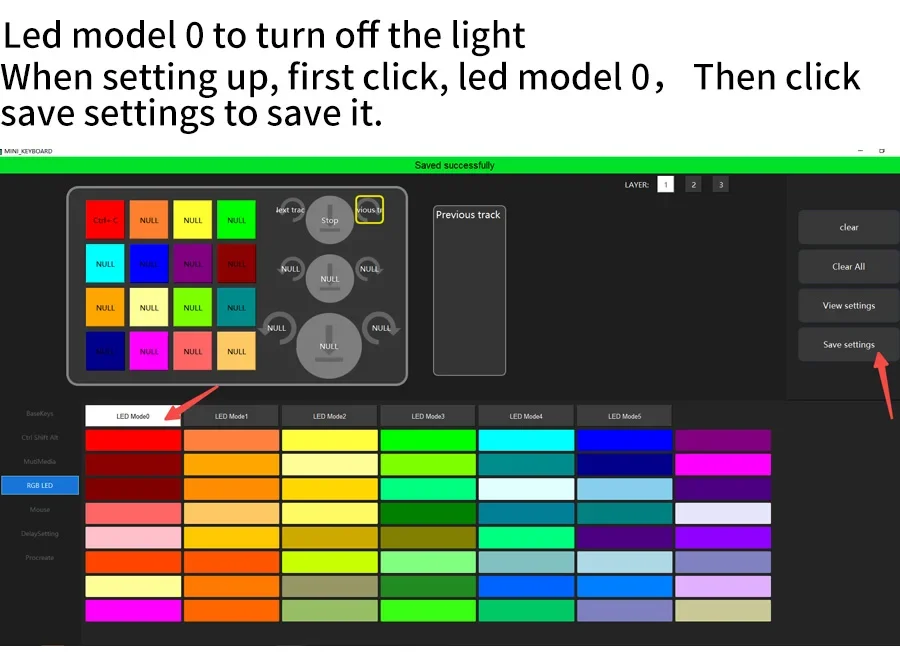
Led model 0 to turn off the light
When setting up,first click,led model 0, and
then click save settings to save it.
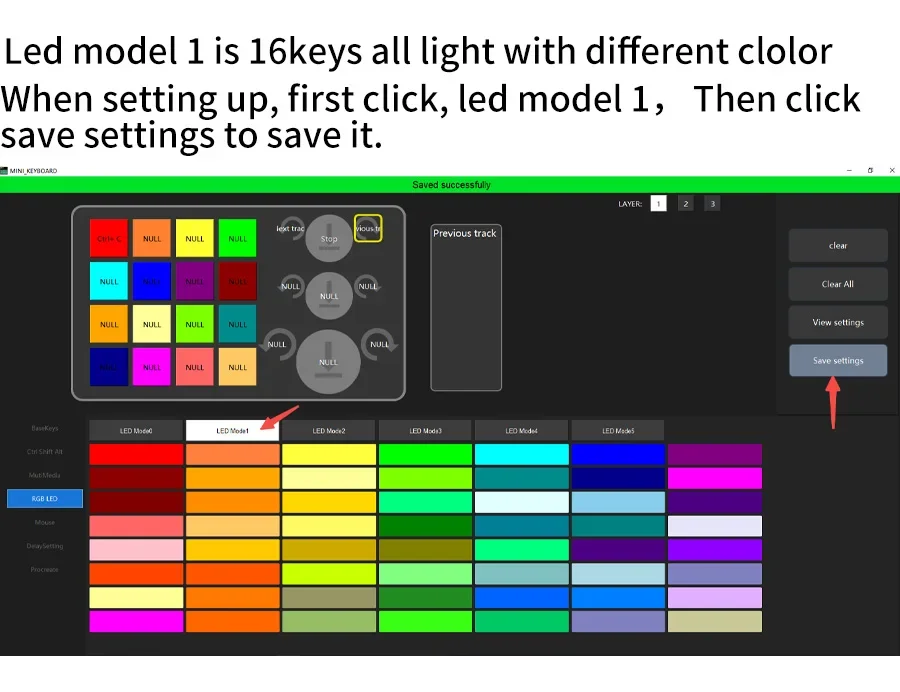
Led model 1
Led model 1 is 16keys all light with different clolor
When setting up,first click,led model 1, and then click save settings to save it.
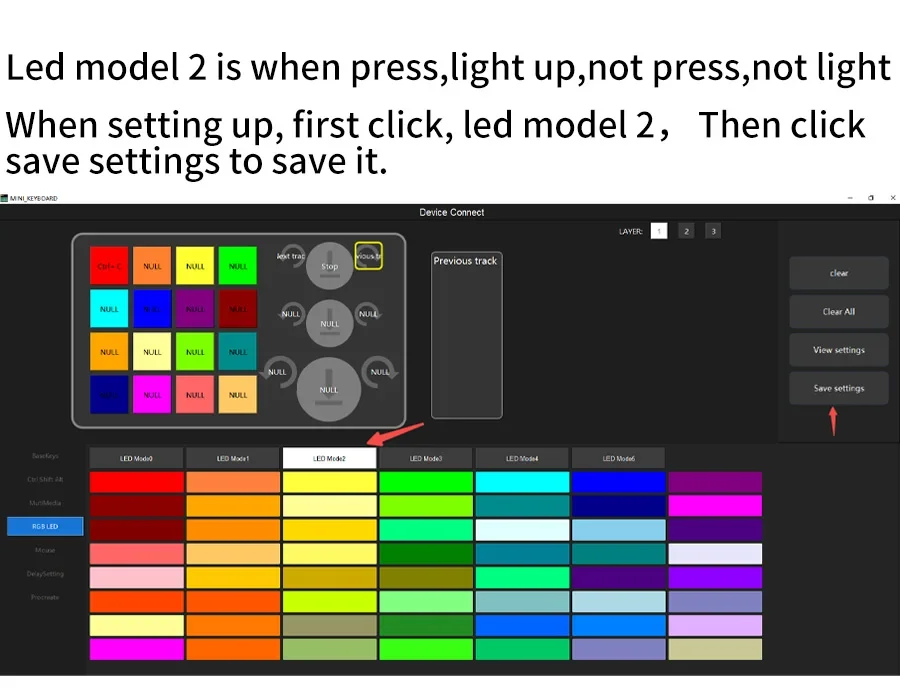
Led model 2
Led model 2 is when press,light up,not press,not light
When setting up,first click,led model 2,
then click save settings to save it.
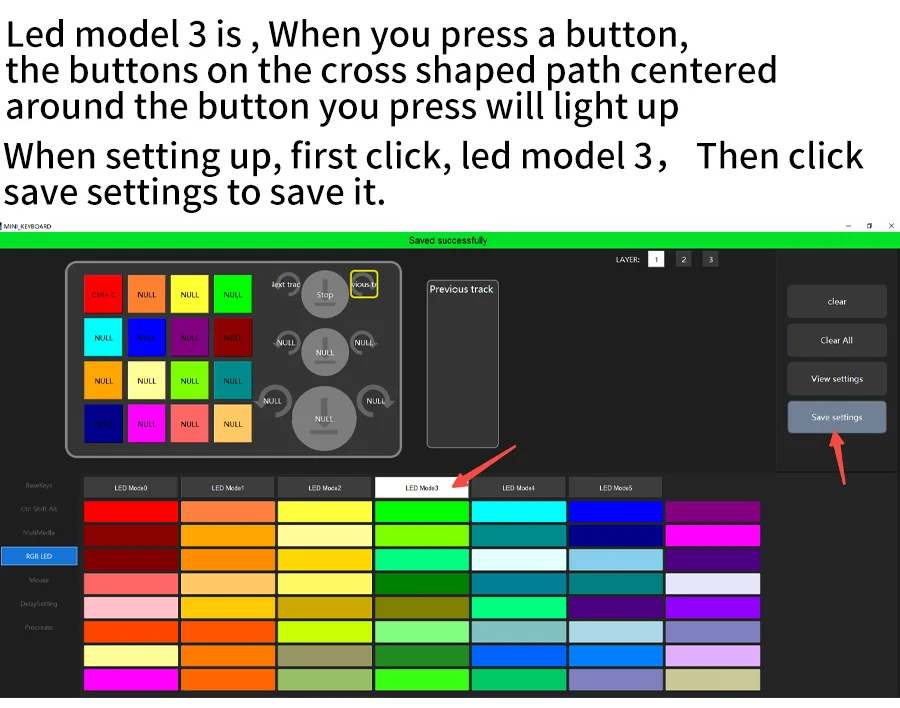
Led model 3
Led model 3 is , When you press a button,
the buttons on the cross shaped path centered
around the button you press will light up
When setting up,first click,led model 3,and then click save settings to save it.
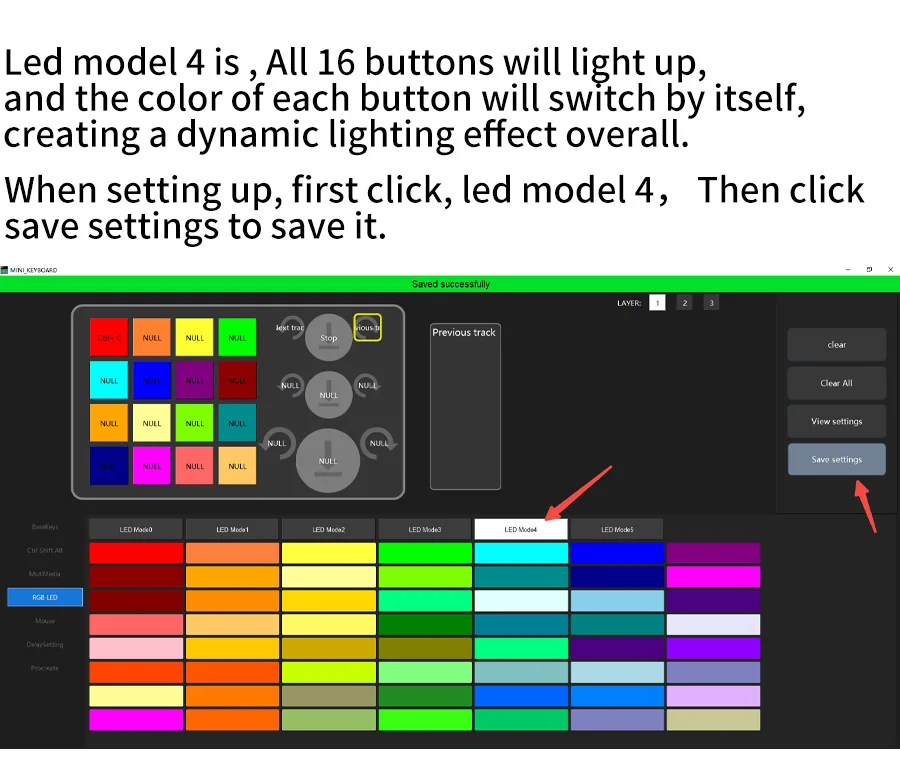
Led model 4
Led model 4 is , All 16 buttons will light up,
and the color of each button will switch by itself,
creating a dynamic lighting effect overall.
When setting up, first click, led model 4, and then click save settings to save it.
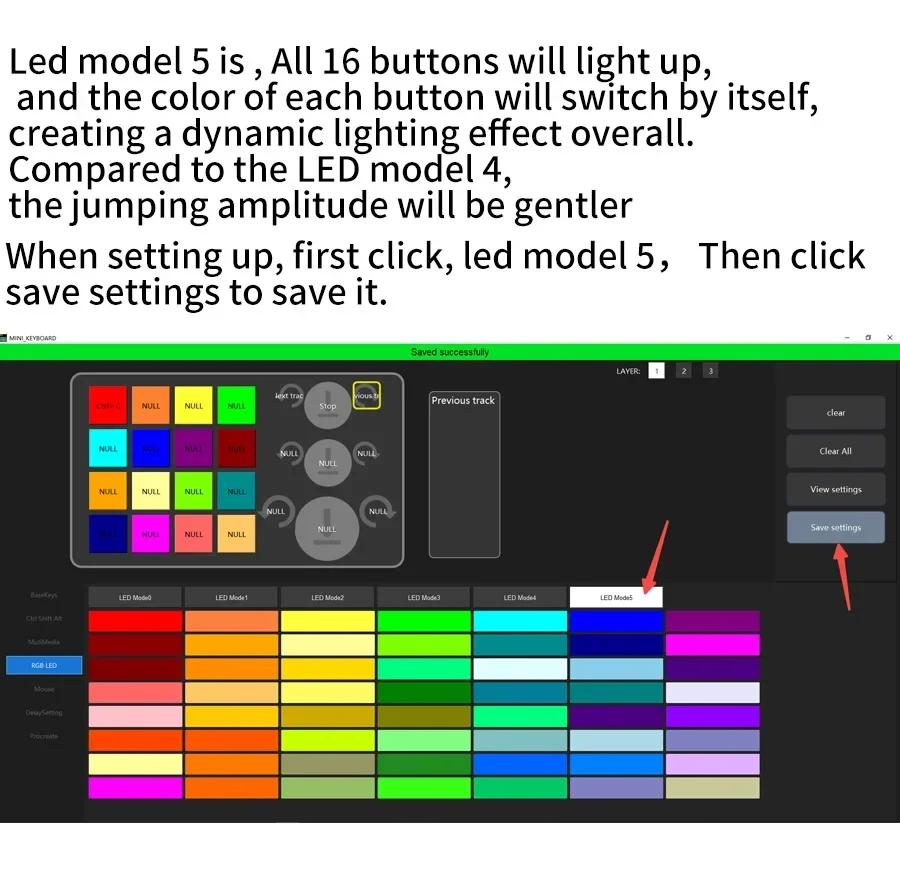
Led model 5
Led model 5 is , All 16 buttons will light up,
and the color of each button will switch by itself,
creating a dynamic lighting effect overall.
Compared to the LED model 4,
the jumping amplitude will be gentler
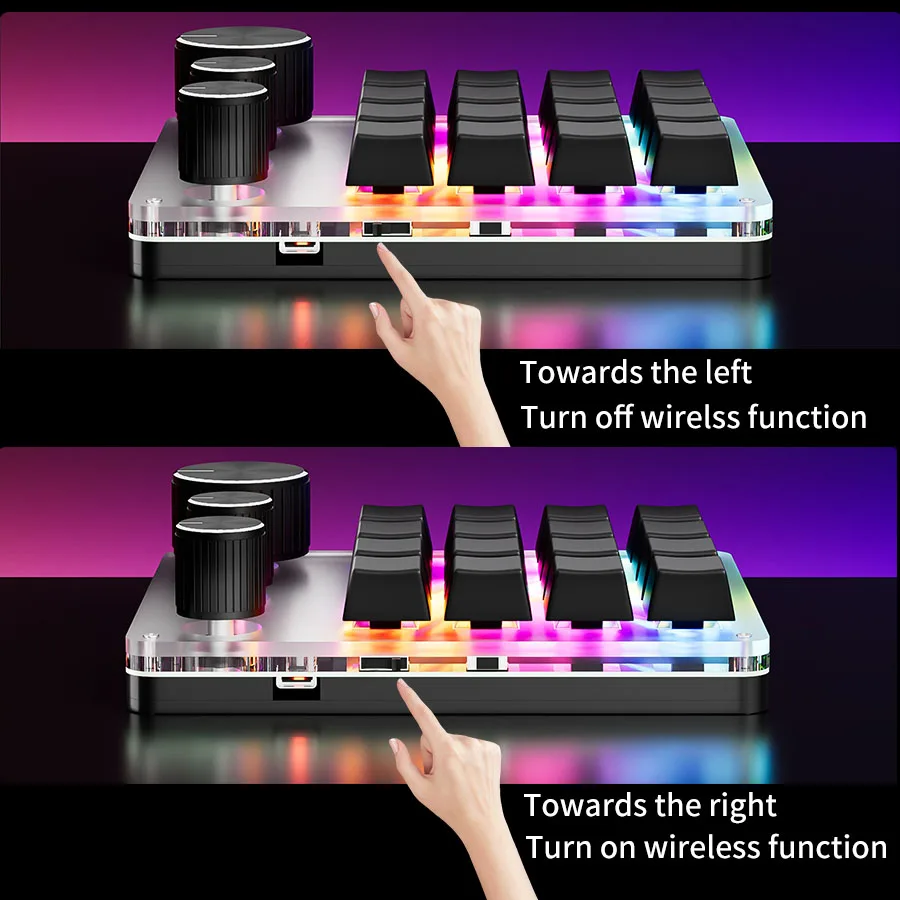
To use a wireless connection, such as Bluetooth or 2.4G, please turn on the switch first. To turn left is turned off, and to turn right is turned on.
First, use a wired connection, set up the keyboard keys, then unplug the data cable and turn on the wireless switch of the keyboard. Search for nearby devices using the computer's Bluetooth function, select the mini keyboard, and once connected successfully, you can use it. The 2.4G connection method also involves wired connection to the computer first. After setting up, unplug the USB data cable and plug the 2.4G USB plug into the computer to use it
Wireless connection, the lights will automatically turn off.